you are here: welcome  tell me about... advanced gray balance
|
you are here: welcome |
 |
 |
 |
 |
|||||

|
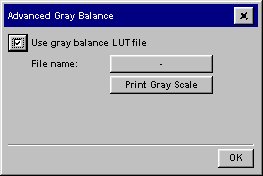
This facility is available from Setup > Printer > Add Media Profile > Calibrate RIP > Advanced.
|
|||||||||||||||||||||||||||||||||||||||||||||||||||||||||||||||||||||||||||||||||||||||||||||||||||||||||||
 |
 |
printing instructions | |
legal information | © 1994-2006 Hewlett-Packard Company | ||