you are here: welcome  how do I...? select/activate an existing account
|
you are here: welcome |
 |
 |
 |
 |
|||||

|
Only one account (besides the Total account) can be active at a time.
|
||||||||||||||||||||||||||||||||||||||||||||||||||||||||||||||||||||||||||||||||||||||||||||||||||||||||||||||||
 |
 |
printing instructions | |
legal information | © 1994-2006 Hewlett-Packard Company | ||

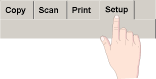
 , the Scan to file button
  , or the Collate copy button
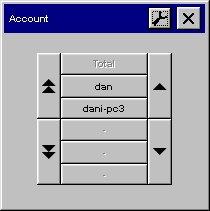
  the Account dialog list
opens for you to select an account.
the Account dialog list
opens for you to select an account.